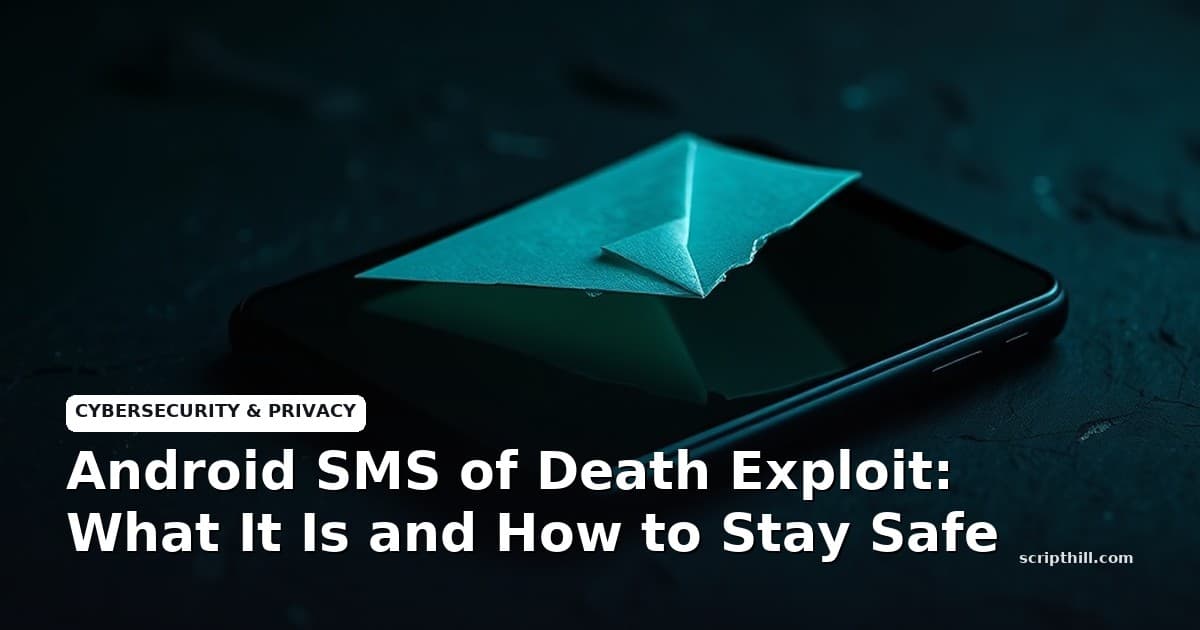
The Android SMS of death exploit is a remote attack, reported by BleepingComputer, in which a specially crafted text message goes after a flaw in how Android phones process incoming SMS. In practice that means crashes, unexpected reboots, or a phone that drops its mobile connection. How bad the worst case gets depends on the specific flaw.
Your phone handles SMS automatically the moment a message lands, so a crafted text can reach the vulnerable code before you've opened anything. Being careful about what you tap doesn't help with this one.
System updates do. Check your Android security patch level and install updates as soon as your manufacturer ships a fix.
There's more to it than the headline, though: why a text can hurt a phone at all, why this keeps happening, how to read your exposure from Settings, and what to do if your phone has stopped getting updates.
What Is the Android SMS of Death Exploit?
It's a remote attack where a deliberately malformed text message trips a flaw in the code your phone uses to receive and process SMS. BleepingComputer reported it, describing a message built to hit that weakness on Android devices. The details that decide who's actually affected (the vulnerable component, the vulnerability identifier, the exposed models and Android versions) come from that report and from your manufacturer's security bulletins. Trust those over whatever screenshot is making the rounds on social media.
The name has been around a while. Researchers have used "SMS of Death" for years to describe messages that can crash or disable a phone just by arriving. The word to pay attention to here is "remote." An attacker doesn't need your phone in hand, doesn't need you to install an app, and doesn't need you to tap a link. Your phone number is enough.
What happens next comes down to the bug. A milder flaw might only crash the messaging app. Others force a reboot or knock out cellular service until you restart. The most serious class of message-handling bugs can let an attacker run code and compromise the device more deeply. Which of those applies here depends on the reported flaw, so hold off on assuming the worst (or the best) until you've seen what your manufacturer says.
How a Text Message Can Attack a Phone
On screen, a text looks like a line of words. Underneath, it's a small packet of structured data, and several layers of software have to unpack it before you see a notification. A badly formed message can cause trouble at any of them.
- Cellular network: Your carrier routes the message to your phone over the same radio link that carries calls and data.
- Modem (baseband) firmware: The phone's radio chip receives the raw message and decodes its headers and encoding.
- Android telephony stack: The operating system takes the decoded message, reassembles multi-part texts, and works out what kind of message it is.
- Default messaging app: The app stores the message, posts a notification, and renders the content.
You aren't involved in any of this. Each stage reads and interprets the message the instant it arrives, so a bug anywhere in the chain can fire while the phone sits in your pocket. That's why SMS flaws are so often "zero-click." Parsers tend to stumble on input nobody planned for: malformed headers, unusual message types like binary or "flash" messages, multi-part concatenated messages whose pieces don't line up, or character encodings the code didn't expect.
Modem bugs are the worst of the lot. Baseband firmware runs on its own processor, outside Android's app sandbox, so the protections that keep a misbehaving app contained don't reach it. It's also patched by the chip vendor and your phone maker rather than through Google Play, which puts fixes on their schedule, not yours.
That's also why a security app won't help. No app, permission setting, or spam filter gets to look at a message until the modem and the operating system are already done with it.
SMS of Death Is Not a New Idea
People have been crashing phones with text messages for well over a decade. Before smartphones, researchers showed that one malformed SMS could freeze or reboot an ordinary feature phone, and some of those bugs lived in the same baseband layer described above. Other platforms have had their own "crash text" moments, too: a short string of unusual characters, often from a rarely used script or an odd emoji combination, that locked up a messaging app whenever it tried to display it. The pattern repeats across brands because parsing messages is hard. Every encoding, message type, and rendering rule is one more spot where code can trip.
Not all of those incidents are equal. Most crash strings are nuisances that take down a single app, and deleting the thread or installing an update makes them go away. A flaw in lower-level message handling can sit beneath Android's defenses, and in the worst case it lets an attacker run code instead of just causing a crash.
Is Your Android Phone Exposed?
It depends on where the reported bug lives. Start with the original report and your phone maker's security bulletin to see which chipsets or models are named, then check your own device against these:
| Factor | Why it matters | How to check |
|---|---|---|
Chipset and modem vendor | Many SMS flaws sit in modem firmware, not Android itself. A Samsung, Motorola, and Xiaomi phone built on the same chip family can share one bug. | Look up your exact model's spec sheet, or use a device-info app that names the processor. Compare it with the affected list. |
Security patch level | If your patch date is from before the fix shipped, treat the phone as potentially exposed. | Settings > About phone (or Security), then look for "Security patch level" or "Android security update." |
Update support status | A phone past its support window may never get a fix, however long you wait. | Check your manufacturer's published update policy for your model. Months without a security update is a strong hint. |
Default messaging app | If the flaw is in the app layer, updating or switching your default SMS app may close it. If it's in the modem, the app makes no difference. | Settings > Apps > Default apps > SMS app. Then check the Play Store for updates to that app. |
Fixes reach phones unevenly because several companies each own a piece of the process. Google publishes its monthly Android security bulletin. The chip vendor, whether that's Qualcomm, MediaTek, or Samsung's Exynos team, patches its own modem firmware and passes it to phone makers. Each maker then builds and tests that code for every affected model, and some carriers want to certify the update before it goes out. Pixels skip most of that chain, which is why they usually get fixes first. Samsung's flagships tend to follow on a regular cadence, while budget and older models often end up at the back of the line. The same flaw can be closed on one phone and still open on another for weeks or longer.
Warning Signs Worth Noticing
When a malformed message hits a vulnerable phone, the effects usually show up in the parts of Android that handle texts and the cellular modem:
- The phone reboots on its own. One random restart means little, but repeated reboots, especially right after a text arrives, deserve attention.
- Signal bars or mobile data suddenly drop out, and only a restart or an airplane-mode toggle brings them back.
- Your messaging app crashes as soon as you open it, or every time a new message comes in.
- Messages arrive blank or garbled, or a contact says they texted you and nothing ever showed up.
Don't read too much into any one of these. A buggy app update or a weak tower can cause the same thing, and a successful exploit might leave no visible trace at all. Your security patch level is a far better guide than any symptom.
How to Protect Your Phone From the SMS of Death
Go through these in order. The paths match stock Android and Pixel phones. Samsung, Xiaomi, OnePlus and others label their menus differently, so if a path doesn't line up, type the menu name into the Settings search bar.
-
Check your security patch level. Go to Settings > About phone > Android version > Android security update. Note the date, then compare it with your manufacturer's security bulletin to see whether that patch includes the fix.
-
Install any pending system update. Open Settings > System > Software update and install whatever is waiting. On Samsung, Software update sits near the bottom of Settings. Afterward, check the patch level again. If the date hasn't changed, that update didn't bring a new security patch.
-
Run Google Play system updates. Find them under Settings > Security & privacy > Updates. Google uses these to patch certain core Android components directly, but they don't touch modem firmware. Modem fixes only arrive in your manufacturer's full system update, so this step can't replace step 2.
-
Update your default messaging app. In the Play Store or your manufacturer's store, such as Galaxy Store, find Google Messages, Samsung Messages, or whichever app handles your texts. Tap Update if it's offered.
-
Turn on automatic updates. Enable automatic downloads in the Software update menu and auto-update apps in the Play Store settings. Future fixes then install without waiting on you.
-
Limit SMS exposure if you're a likely target and no patch exists yet. Journalists, executives and activists can keep airplane mode on with Wi-Fi enabled when they don't need texts. Switch off Wi-Fi calling too, because it can still deliver SMS. You can also ask your carrier whether it filters malicious SMS. These measures are partial: you'll miss calls and login codes, and carrier filtering varies a lot. Neither one replaces the actual patch.
If Your Phone No Longer Gets Updates
Frequently Asked Questions
Can an antivirus app protect me from the Android SMS of death exploit?
Not reliably. Android's system messaging components, and often the phone's modem firmware, deal with an incoming text before any app can inspect it. Security apps are ordinary apps, so they can't patch or replace those lower layers. The real fix has to come as a system or firmware update from your phone maker.
Does using WhatsApp, Signal, or RCS instead of SMS keep me safe from the SMS of death?
Not by itself. Your number still accepts standard SMS whichever chat app you prefer, and those messages get processed at the system level, not by WhatsApp or Signal. Someone can still send a crafted text to your number. The system update is what closes the hole.
Are iPhones affected by the SMS of death exploit?
Not according to this report, which is about Android devices, and the fix will come through Google and individual Android phone makers. iPhones have had their own message-parsing bugs over the years, though, so it's no excuse to put off iOS updates. Whatever phone you carry, keeping it current is your best defense against this kind of flaw.
Will a factory reset remove the SMS of death threat from my Android phone?
No. A reset wipes your apps and data, but the phone comes back up on the same system software, vulnerable code included, and it stays exposed until a patch arrives. If you suspect the phone was already compromised, a reset can make sense, but install the latest update first.
Patch First, Then Stay Alert
The single most useful thing you can do right now takes about a minute: find your Android security patch level. On most phones it's under About phone or Security, though brands move it around. Write down the date, then head to the system update screen and install whatever's waiting, Google Play system update included. A phone on its maker's newest patch is in far better shape than one stuck on a date from months ago.
Don't treat it as a one-time check. Google publishes the Android Security Bulletin, but Samsung, Motorola, OnePlus and the rest package fixes on their own schedules, and carriers can slow things down further. An announced fix isn't the same as a fix on your phone. Bookmark your manufacturer's security bulletin page so you can see when one lands for your model, and keep checking over the next few weeks.
Set a reminder for two weeks from today to look at the patch date again. If your phone is still supported and the date hasn't moved, contact the manufacturer and ask when the update is coming.
Want more from ScriptHill in Google? Add us as a preferred source